Audit and scan when something feels wrong
When: A command was blocked, you are not sure the shim is active, or you suspect leftover env tokens.
cw doctor
cw whoami
cw policy list
cw scan
cw audit
cw audit -n 20
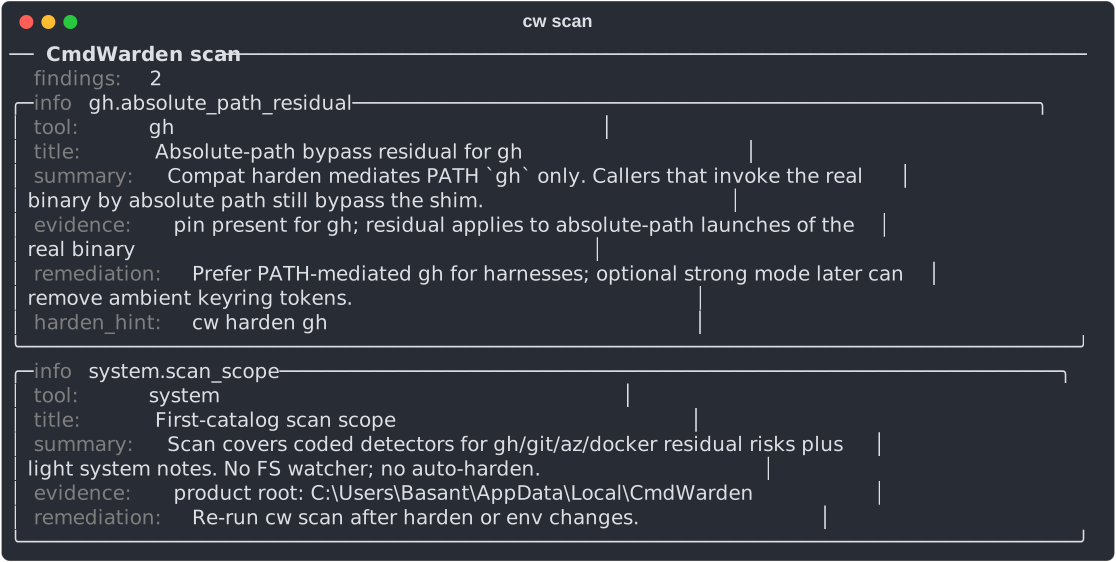
cw scan lists residual risks with the command that fixes each one:
cw audit lists the newest gate decisions. TransientReuse means a repeated command reused your earlier click:
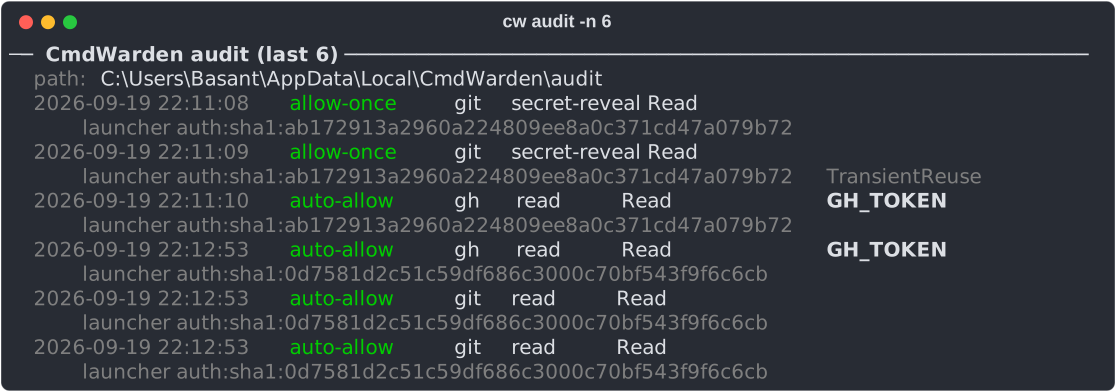
Expect: doctor = agent health; whoami = which launcher CmdWarden sees; scan = residual risks (e.g. ambient tokens, PATH issues, vault entries older than 90 days) without printing secrets; audit = recent allow/deny decisions (including Approval Gate Deny / Approve Once).
Send gate decisions to the Windows Event Log
Security teams read the Windows Event Log, and a SIEM can collect it. Turn on a copy of each gate decision there:
cw audit eventlog on
Windows asks for admin once, because an event source is for the whole PC. Then the Session Agent writes each gate decision to Event Viewer > Windows Logs > Application, source CmdWarden. No agent restart is necessary.
| Event id | Level | Decision |
|---|---|---|
| 1001 | Information | auto-allow |
| 1002 | Information | allow-once |
| 1003 | Information | session-grant |
| 1004 | Information | session-allow |
| 2001 | Warning | deny |
| 2002 | Warning | unavailable |
| 3001 | Warning | redact (leak guard) |
The event text has one Label: value line per field: tool, command class, policy level, secret name, reason code, launcher, and time. It never has a secret value.
The local audit trail stays the main record. A process that runs as you can delete that file, but it cannot clear the Application log without admin. cw audit eventlog off removes the source. Events already written stay in the log.
In CmdWarden Vault: Doctor = cw doctor, Hardened Tools = cw harden --list, Detectors = cw scan, Secret Usage = cw audit, Secret Gates = cw policy list + cw policy sessions. The Detectors page scans the app's own environment. Run cw scan in a terminal to check that terminal's variables.