Built for people who live in AI tools
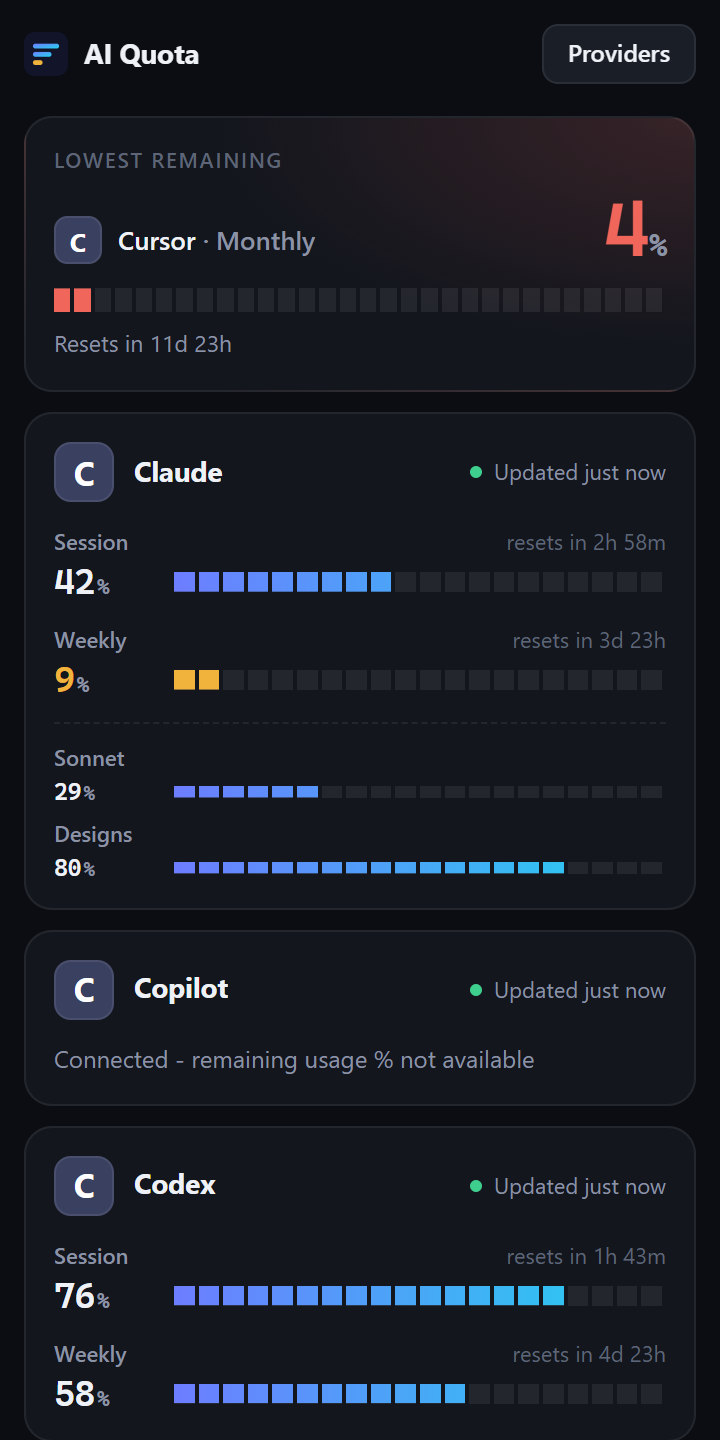
One small panel replaces five usage pages.
All limits, one place
Session, weekly and monthly limits, with the time left until each reset.
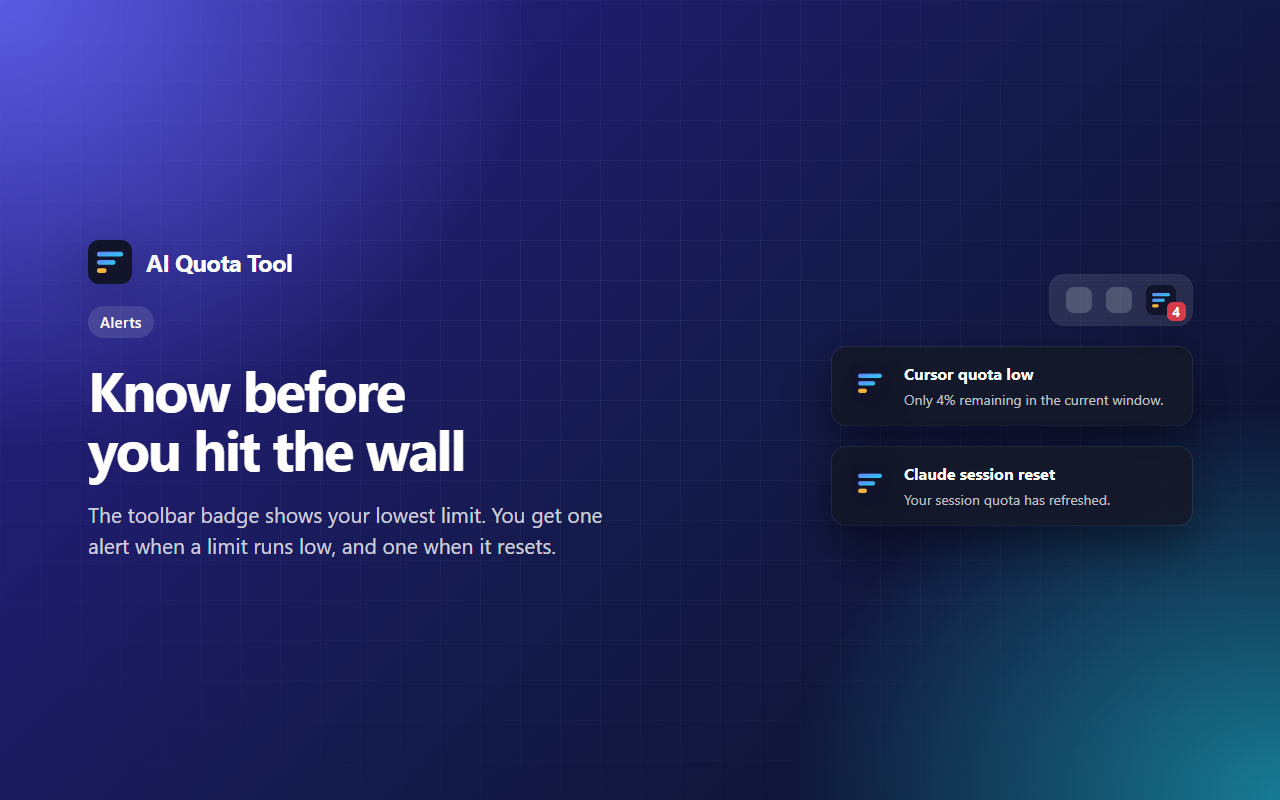
Alerts that help
The toolbar badge shows your lowest limit. You get one alert when a limit runs low.
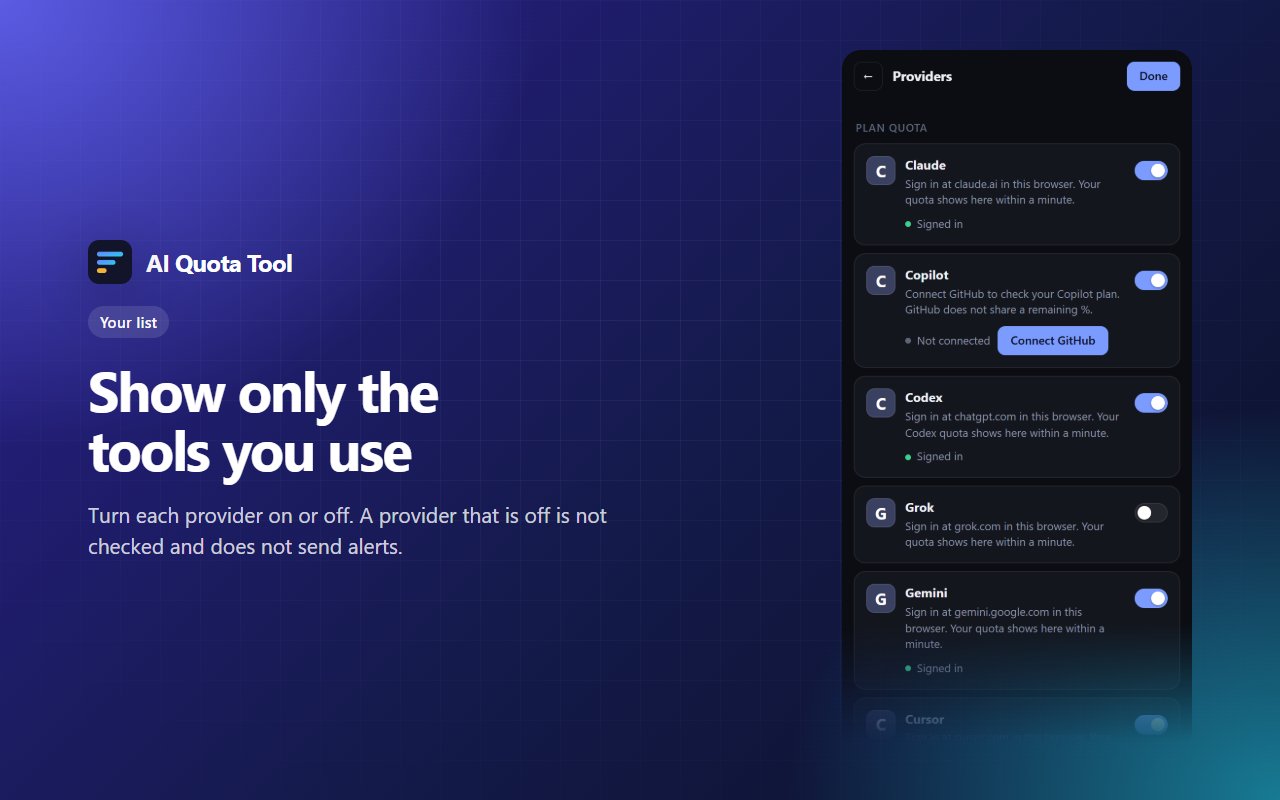
Your list, your way
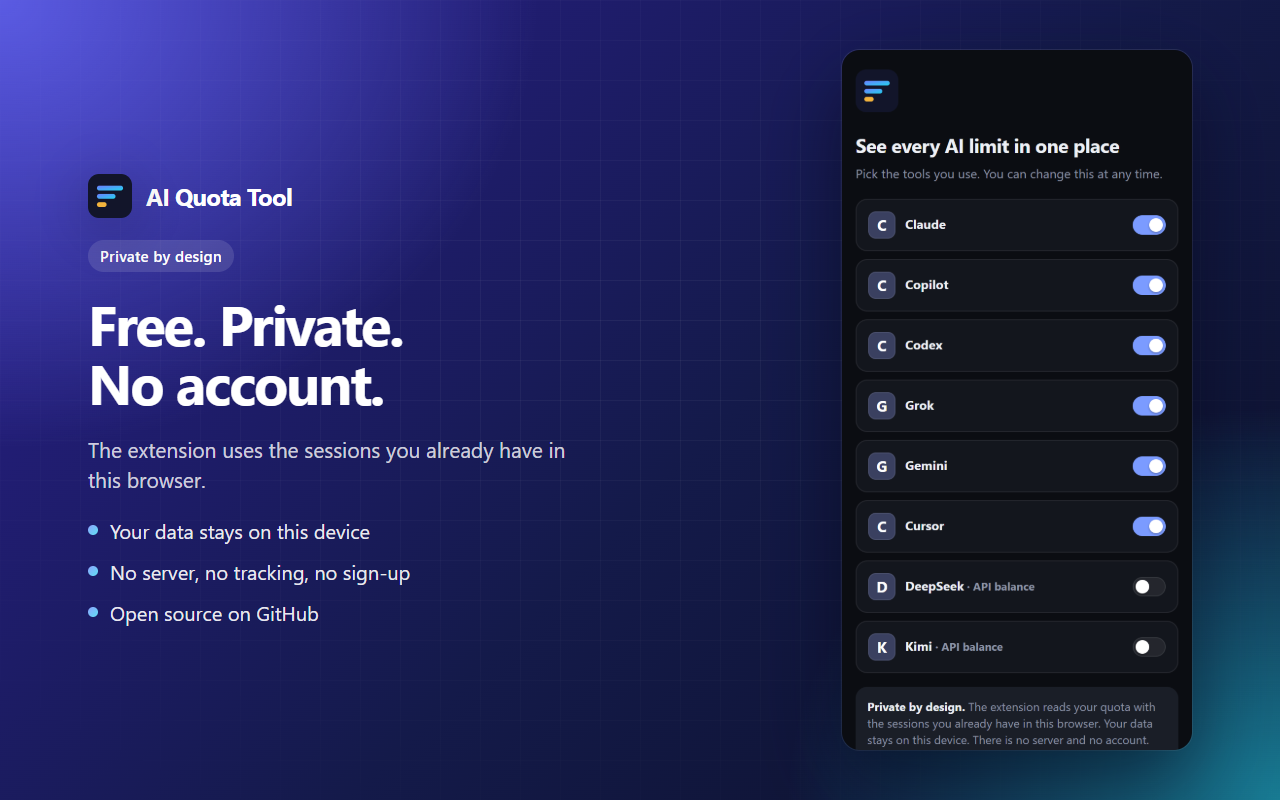
Turn each provider on or off. The panel shows only the tools that you use.
Private by design
No server, no account, no tracking. Your data stays on your device.
Honest numbers
If a provider does not share a number, the panel says so. It never shows a fake 100%.
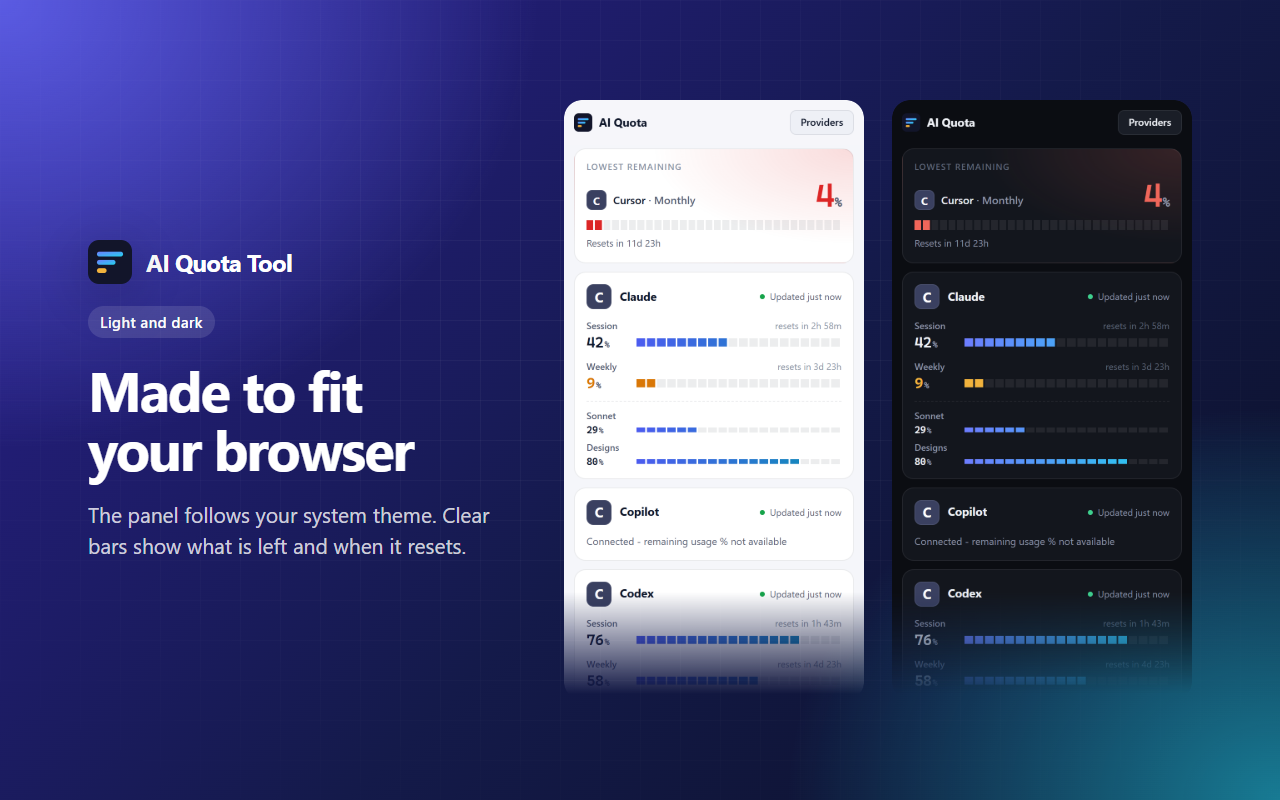
Light and dark
The panel follows your system theme and fits the Chrome side panel.
Works with the tools you use
See it in action
Set up in one minute
- Add AI Quota Tool to Chrome.
- Click the toolbar icon to open the side panel.
- Pick your tools. Sign in to each one in this browser, as usual.
- Your limits show in the panel within a minute.
Questions
Is it really free?
Yes. There is no paid plan, no ads and no account. The extension has no server, so it costs nothing to run.
Does it read my chats?
No. It reads only the usage numbers that each provider shows on its own usage page.
Where is my data?
On your device, in local extension storage. Nothing goes to a server of ours. See the privacy policy.
Why does Copilot show no percent?
GitHub does not share a remaining percent for Copilot. The panel shows your plan status instead of a fake number.
A provider shows "Not connected". What do I do?
Open the provider website in the same Chrome profile and sign in. The panel updates within a minute.
How do I report a problem?
Open an issue on GitHub.